EnableArt
AI Banner Generator That Matches Your Brand
EnableArt is an AI banner generator that learns your brand from your past designs, then creates on-brand banners for Instagram, Facebook, TikTok, LinkedIn, WhatsApp and the web in minutes. Fix any text with AI, resize into every size you need, export a layered PSD or post straight to your social accounts. Start free with 400 credits.
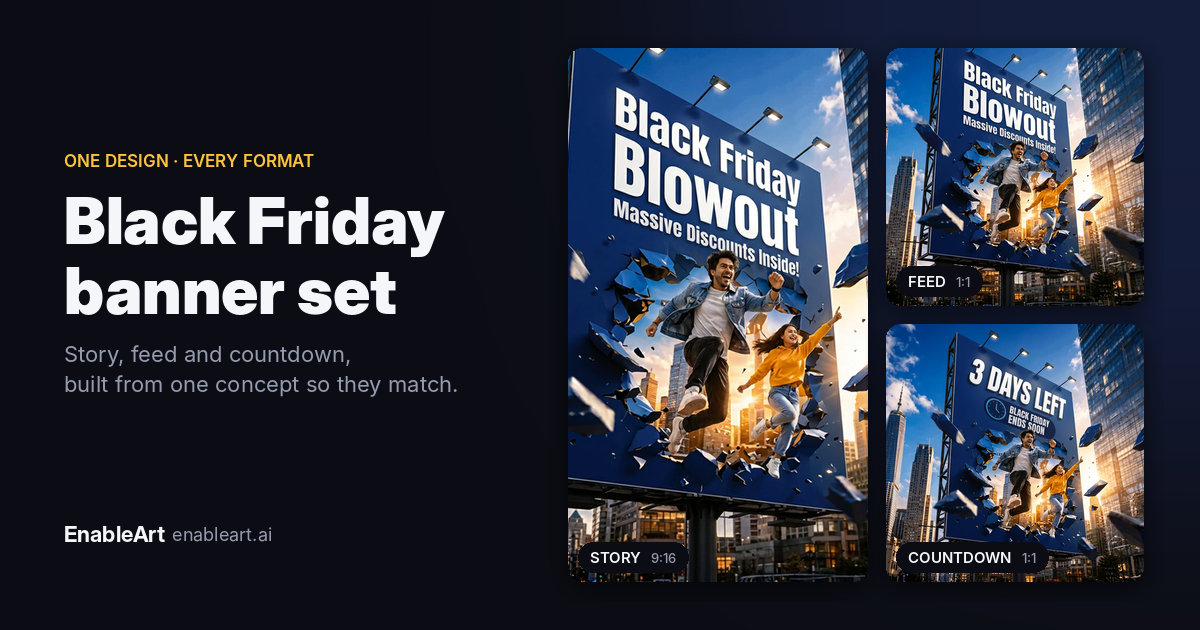
What is an AI banner generator?
An AI banner generator creates marketing banners from a short brief: your headline, offer, target platform and size. Most tools produce a nice-looking image that could belong to any brand. EnableArt is built for brand consistency. It learns from designs you've already made, checks your brief before you spend credits, and lets you edit, resize and export the result, so a whole campaign looks like it came from one designer.
Examples of AI-generated banners
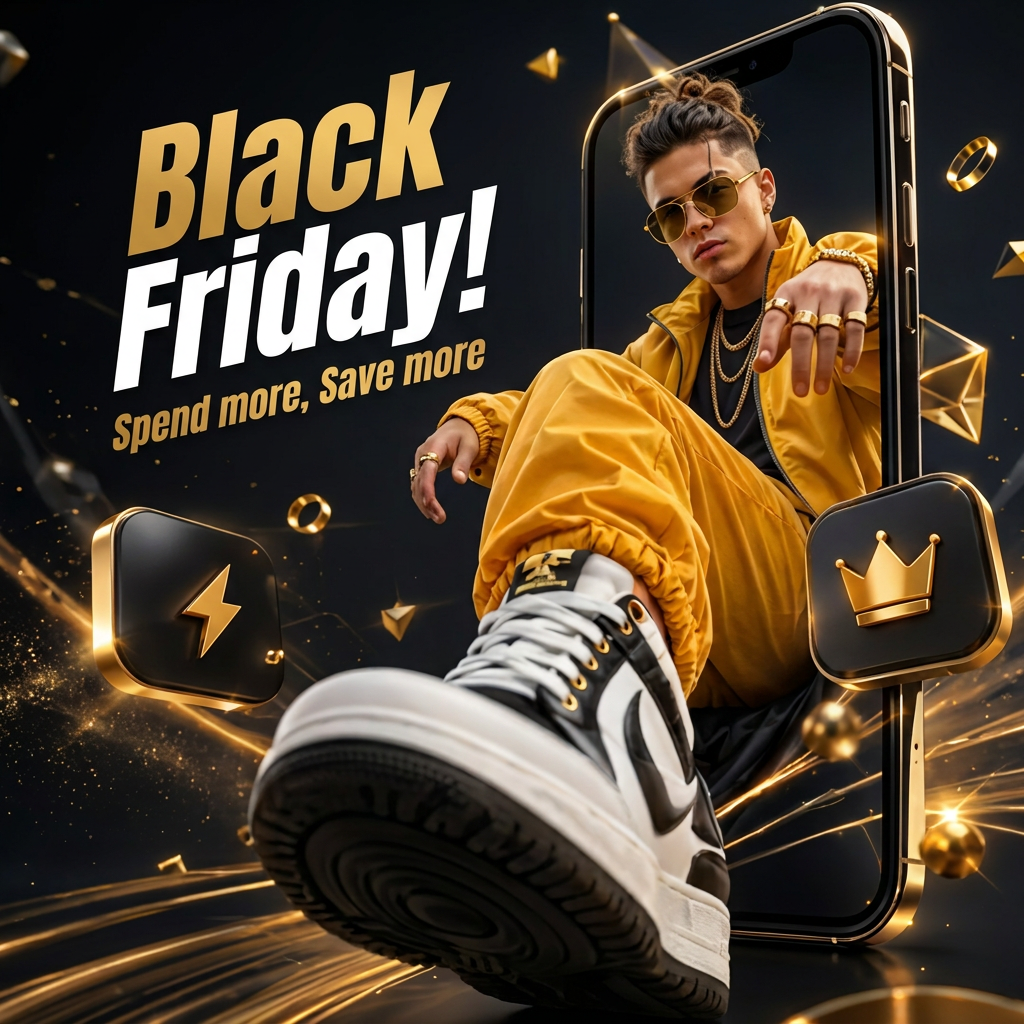
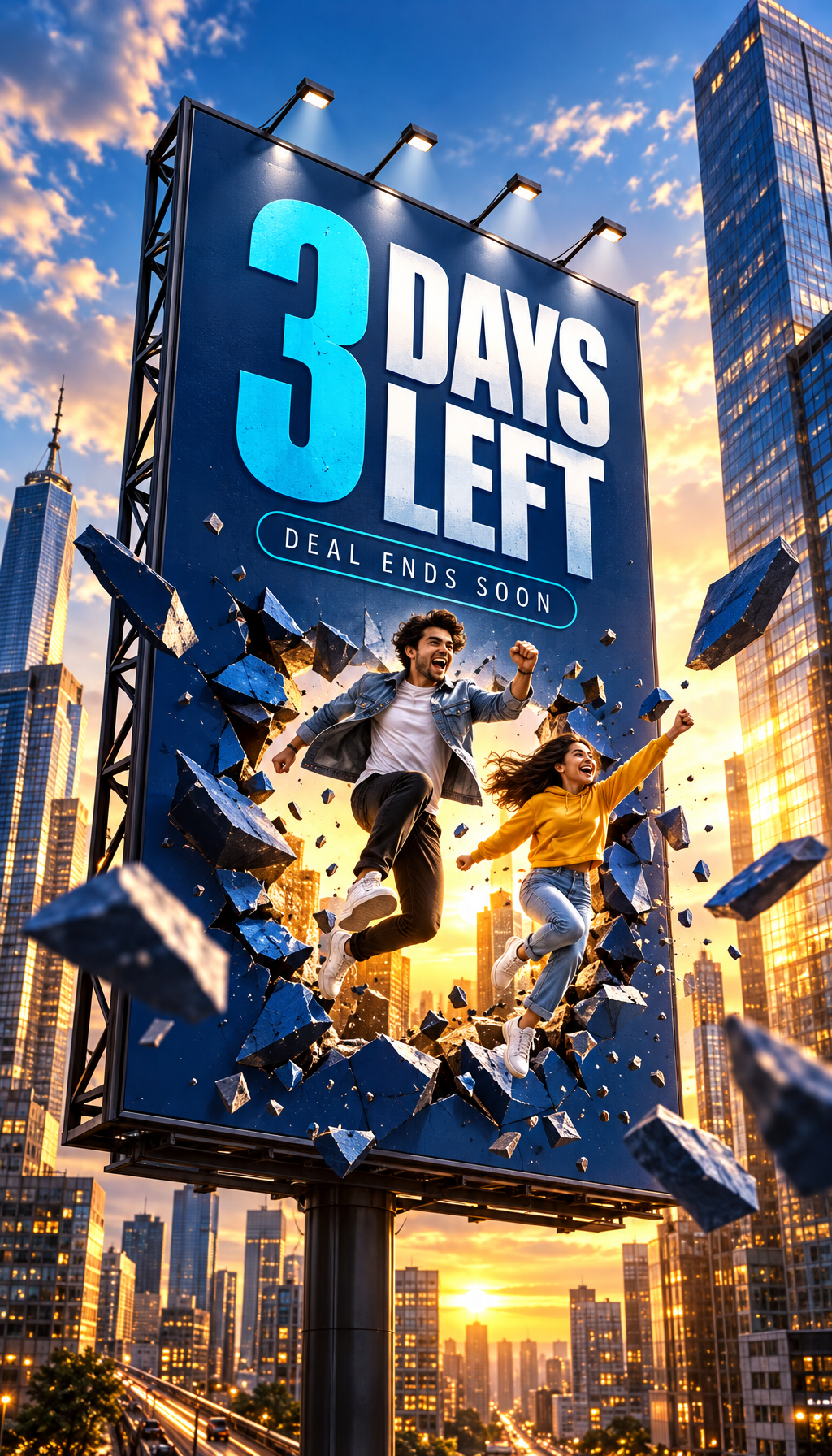
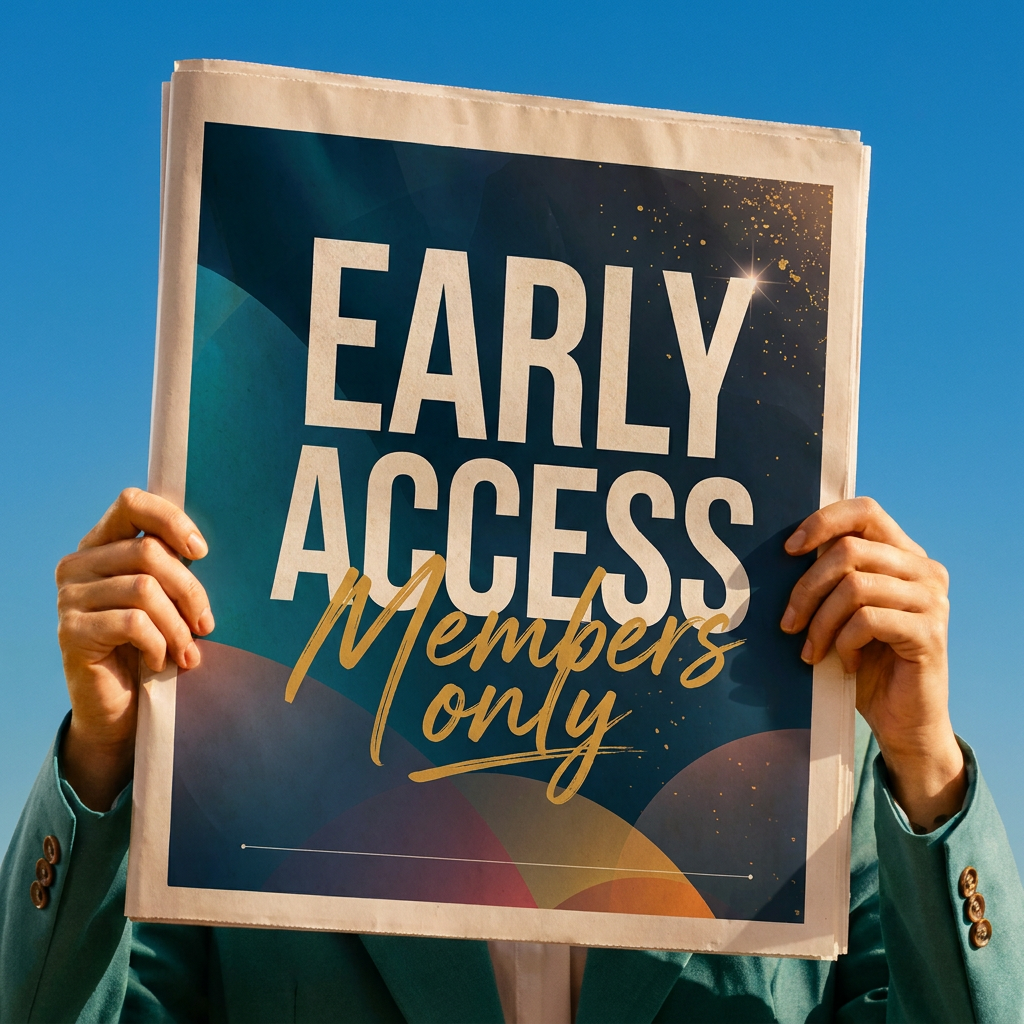
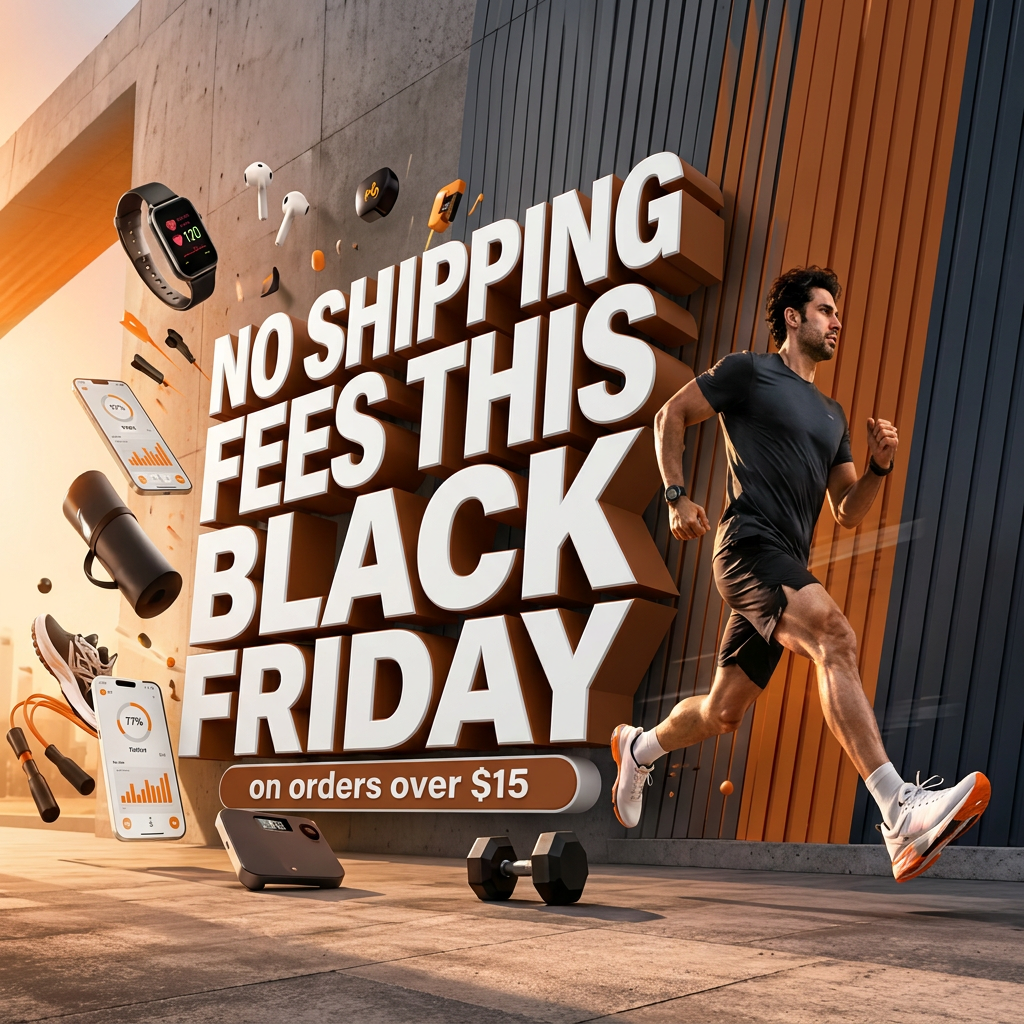
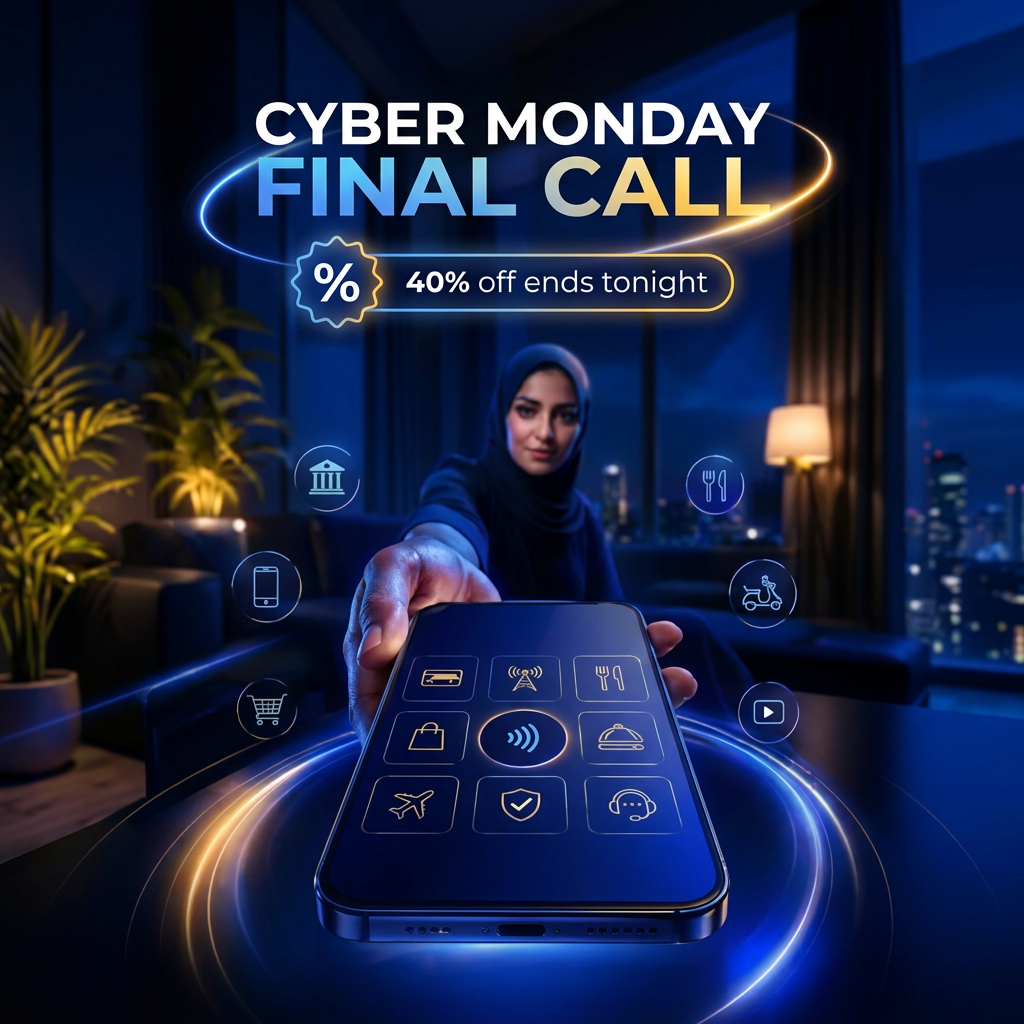
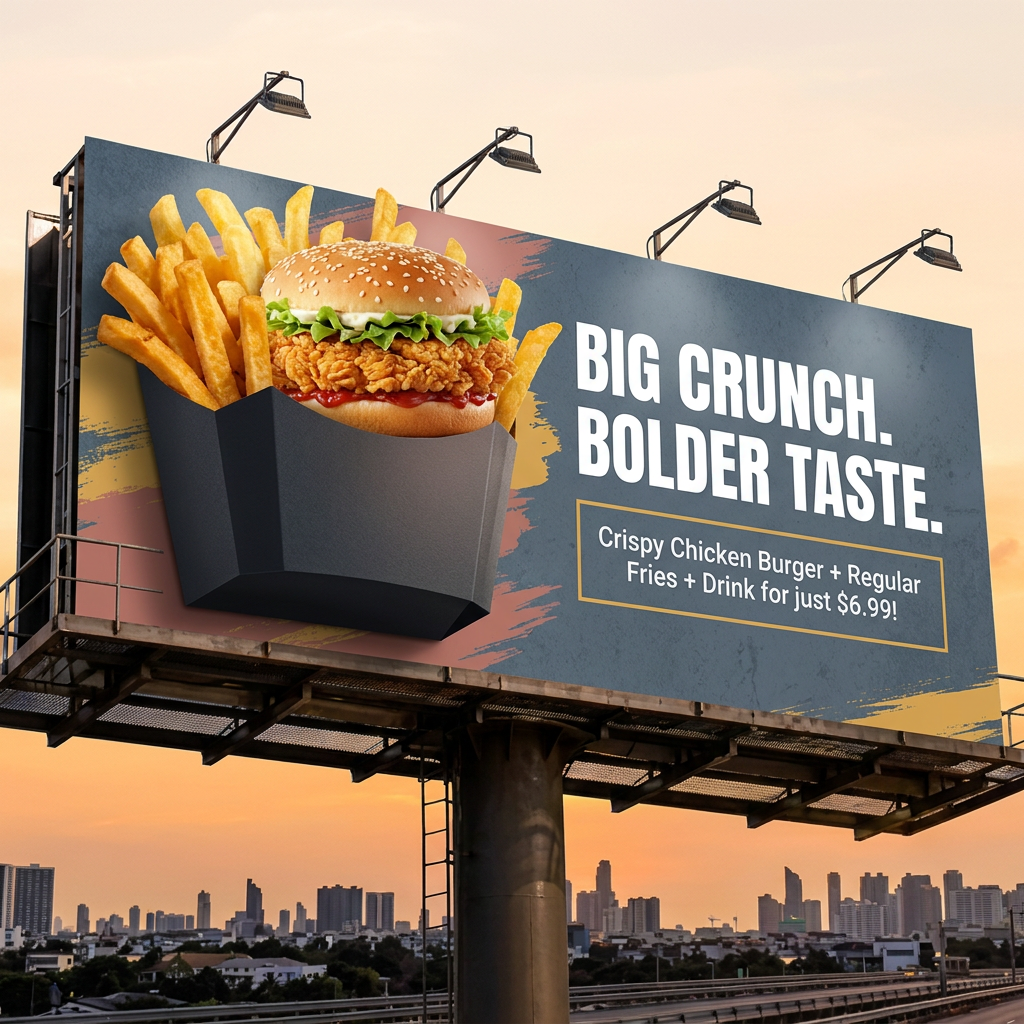
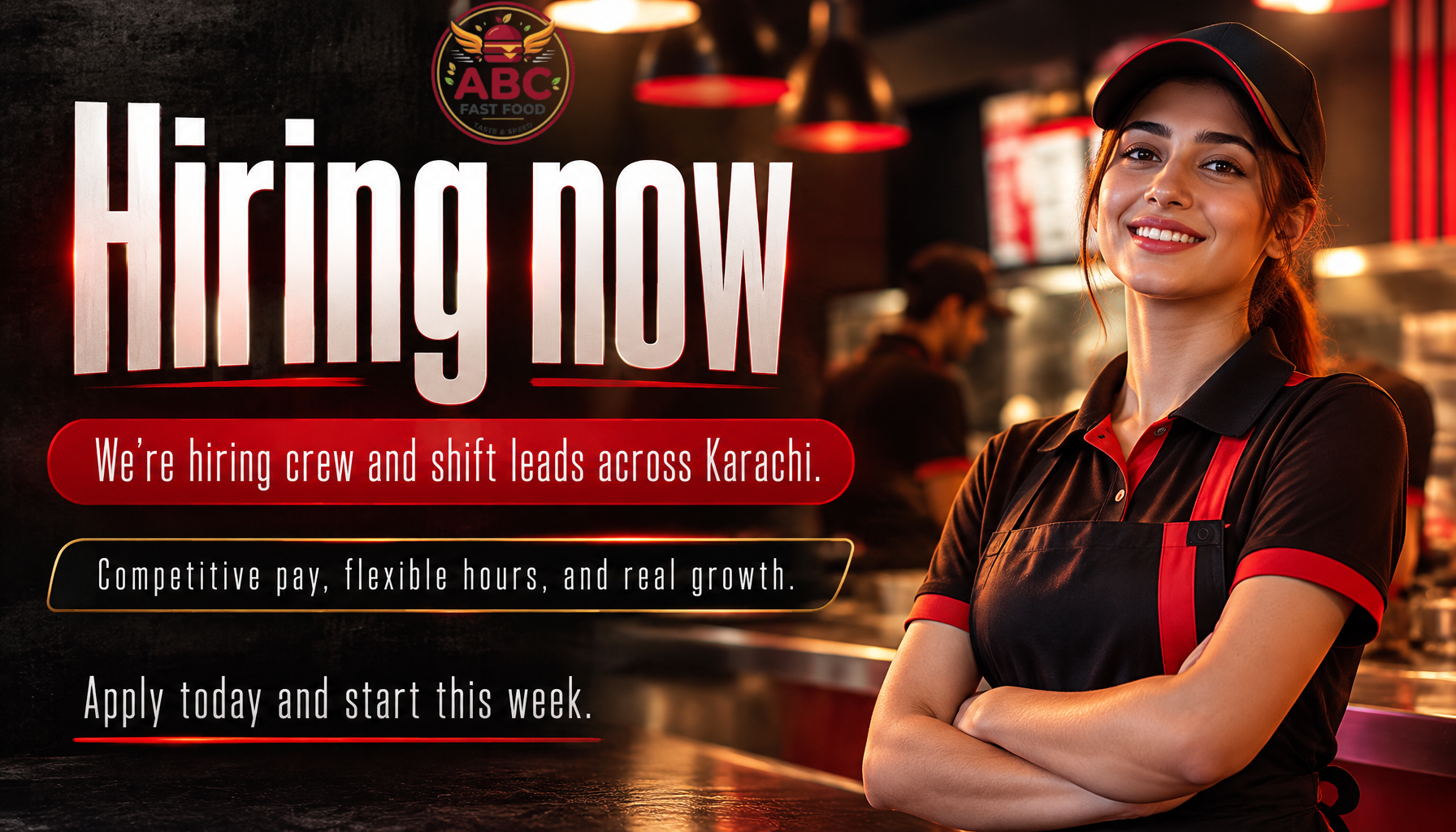
All examples generated in EnableArt for a demo fast food brand, using one Training Corpus.
How it works
- Add your brand once. A workspace admin uploads past banners and designs to Training Corpus. From then on, every banner your team generates automatically draws on the most similar of them. For a specific look on one banner, add a Style Reference image or link.
- Write the brief and check it. Enter the headline and offer, choose the target platform and aspect ratio, then run AI Analysis. It scores the brief and flags problems, such as copy that conflicts with your headline or a style that doesn't fit the size, before you spend credits.
- Generate. Choose a model, from Economy to Premium 4K, and generate the banner.
- Fix with Edit with AI. Change a word, correct a price or adjust a detail without starting over.
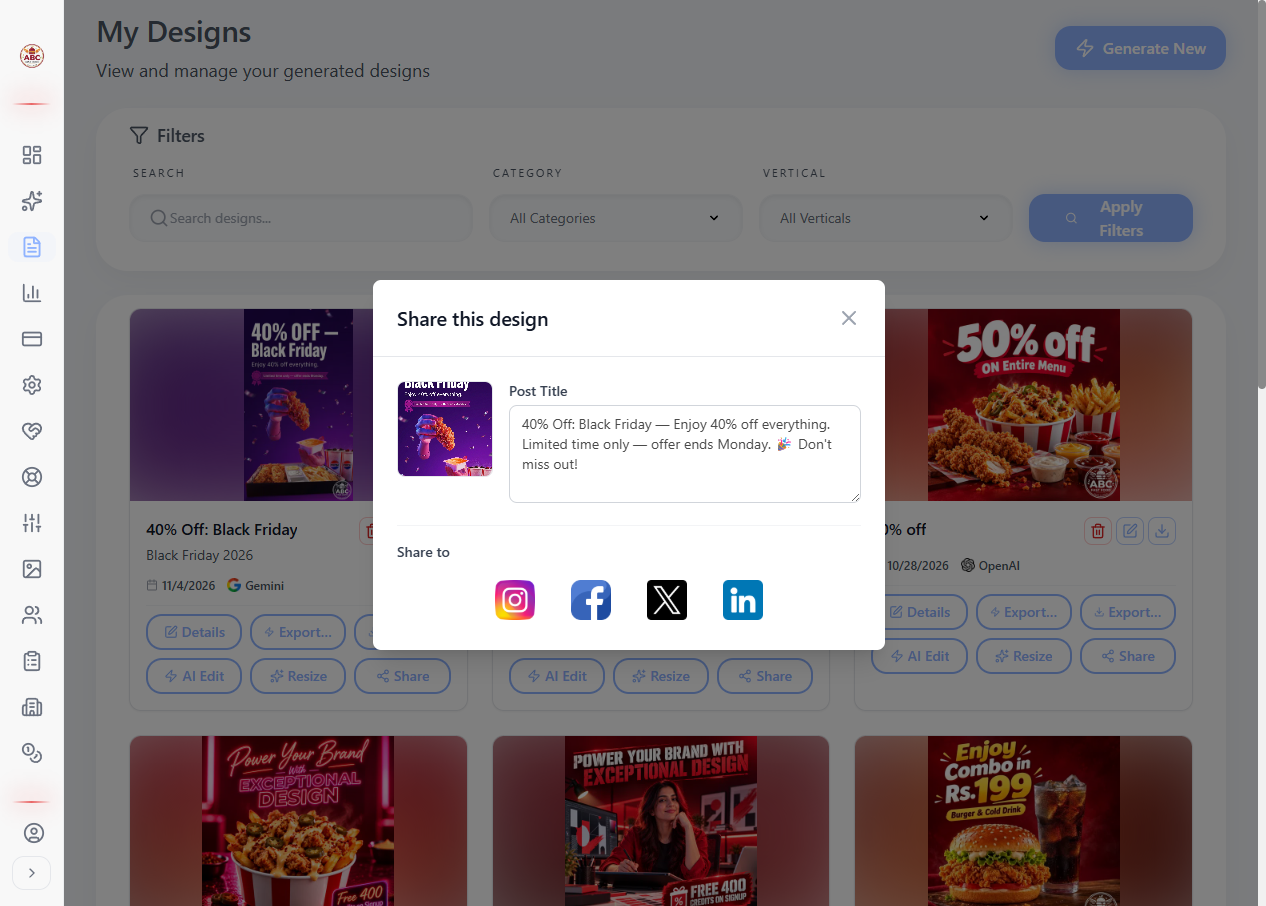
- Resize, export or post. In My Designs, open Generate in other dimensions and pick every size you need in one go. Then export a layered PSD for your designer, or post the banner with its caption straight to Facebook, Instagram, LinkedIn or X.
Why EnableArt
Learns your brand
Your admin uploads past designs to Training Corpus once, and every generation draws on the most similar ones. Results match your colours, type and layout style instead of a generic AI look.
Checks your brief before you generate
AI Analysis reviews the headline, description, platform and style together and suggests fixes, so fewer credits go on designs you'll throw away.
Fixes text without a redesign
AI image tools sometimes get a word or price wrong. Edit with AI corrects it in the existing banner.
Every size from one design
Generate one design, approve it, then resize it into several sizes and aspect ratios in a single request. Each size is reflowed to fit its proportions rather than stretched or cropped.
Layered PSD export
Hand off to a designer with a layered Photoshop file, so text, images and background can be adjusted separately.
Built for the channels you post on
Platform presets for Instagram, Facebook, TikTok, LinkedIn, WhatsApp and web, with up to 4K output on the Premium 4K model. Connect Facebook, Instagram, LinkedIn and X to post finished banners with their captions directly.
Platforms and sizes
| Platform | Formats | Default aspect ratio |
|---|---|---|
| Feed, Story, Reel | Feed 1:1 · Story and Reel 9:16 | |
| Feed, Story | Feed 1:1 · Story 9:16 | |
| TikTok | Reel, Post | Reel 9:16 · Post 3:4 |
| Post, Header | Post 1:1 · Header 16:9 | |
| Status | 9:16 | |
| Web | General banner | 1:1 |
Available aspect ratios: 1:1, 9:16, 16:9, 3:4, 4:3, 3:2, 2:3, 5:4 and 21:9, or Auto to let EnableArt choose from your brief.
Use cases
- Product and menu launches. A matching feed post, story and reel cover from one brief.
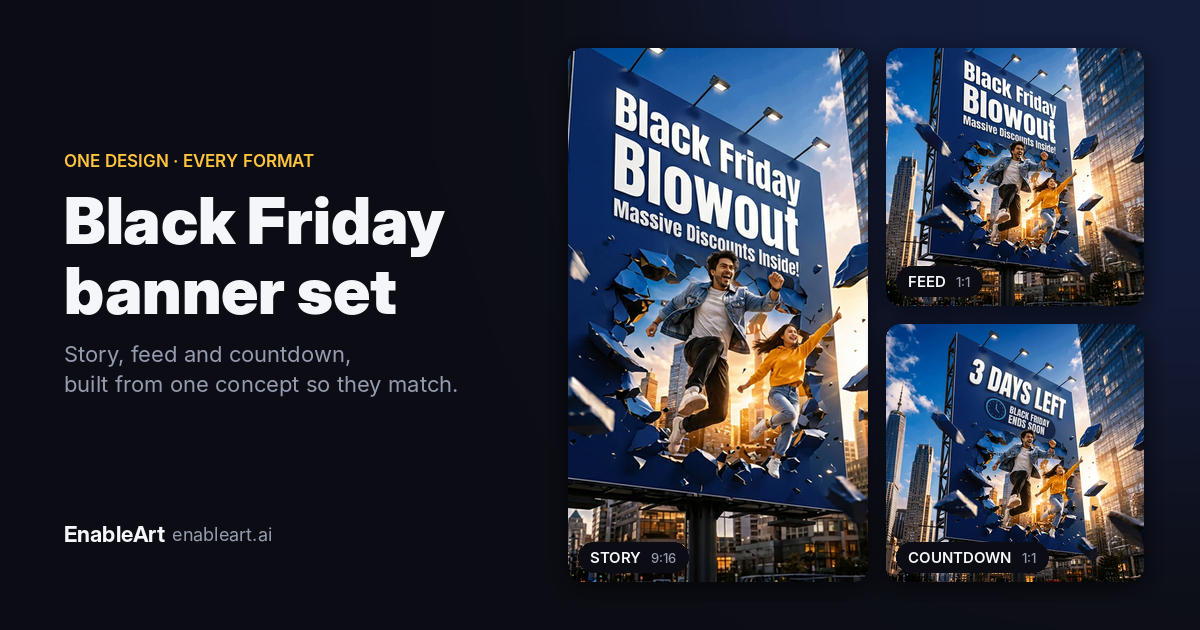
- Seasonal sales. Offer banners for Black Friday, Eid, Ramadan or holiday campaigns, fixed and resized for every channel. See the Black Friday banner guide.
- Always-on social. Weekly posts that stay on-brand across Instagram, Facebook, TikTok, LinkedIn and WhatsApp.
- Design handoff. Generate a strong first draft, then export a layered PSD for your designer to finish.
- Agencies managing several brands. Set up each client brand and upload its past designs, labelled by brand, so generation draws on the right references.
FAQ
What is an AI banner generator?
An AI banner generator turns a short brief (headline, offer, platform and size) into a finished marketing banner. EnableArt also learns your brand from past designs, so results match your colours and style instead of looking like a generic template.
Is EnableArt's AI banner generator free?
Yes, you can start free. New accounts get 400 credits, enough for up to 25 banners with the Economy model at current default prices. Premium models, edits, resizing and PSD export use more credits per action.
Can I make banners for Instagram, TikTok and LinkedIn?
Yes. You can target Instagram Feed, Story and Reel, Facebook Feed and Story, TikTok Reel and Post, LinkedIn Post and Header, WhatsApp Status and web, with aspect ratios from 1:1 and 9:16 to 16:9 and 21:9.
How do I keep AI banners on-brand?
Your workspace admin uploads past banners to Training Corpus once. Every banner your team generates then draws on the most similar of those designs, so results match your colours, typography and layout style.
Can I fix wrong text in an AI-generated banner?
Yes. Edit with AI lets you change a word, price or detail in a generated banner without regenerating the whole design.
Can I edit the banners in Photoshop?
Yes. Export a generated banner as a layered PSD file, so a designer can adjust text, images and layout in Photoshop.
Can I post banners directly to Instagram or LinkedIn?
Yes. Connect your accounts and publish a banner with its caption straight to a Facebook Page, an Instagram professional account, LinkedIn (profile or company page) or X.
Do I need design skills?
No. You write the headline and offer, pick the platform, and EnableArt handles layout and styling. AI Analysis flags problems in your brief before you generate.
Guides
Make your first on-brand banner in minutes
Upload a few past designs, write your offer, and let EnableArt do the rest. Free to start with 400 credits.