EnableArt
The Canva Alternative Built for Brand-Consistent Banners
If you mainly make marketing banners and want every one to look like your brand, EnableArt is a strong Canva alternative. Instead of editing a template, you write the headline and offer, and EnableArt generates a banner in your brand's style, learned from your past designs. If you need presentations, video, documents or print, Canva is still the better all-round tool. Start free with 400 credits.
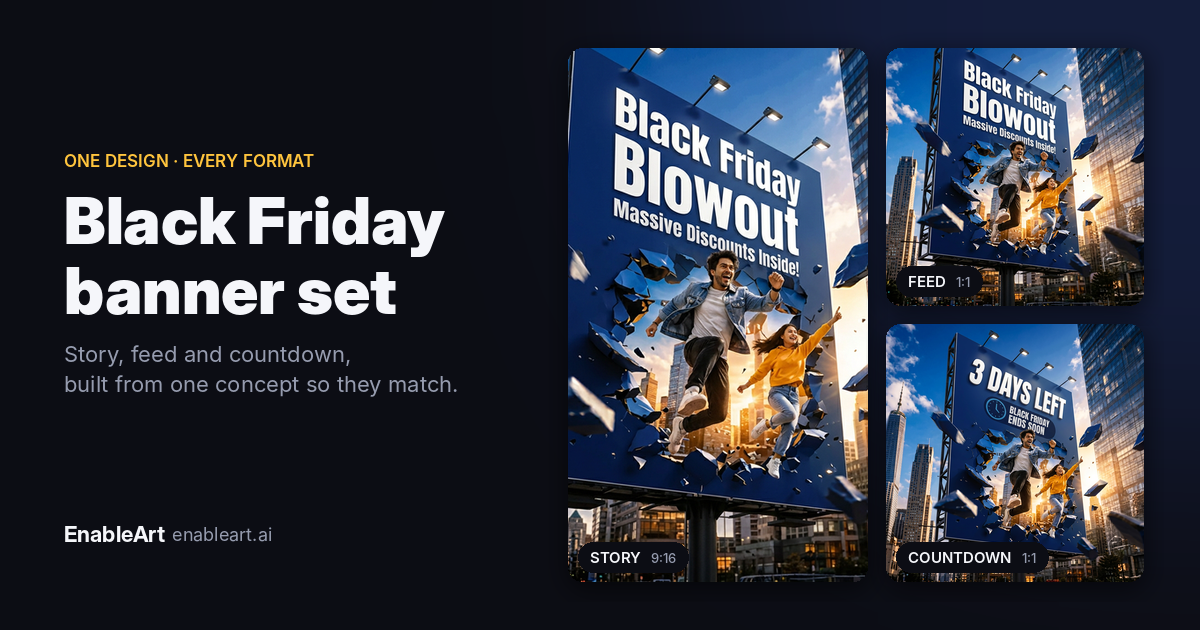
Example gallery
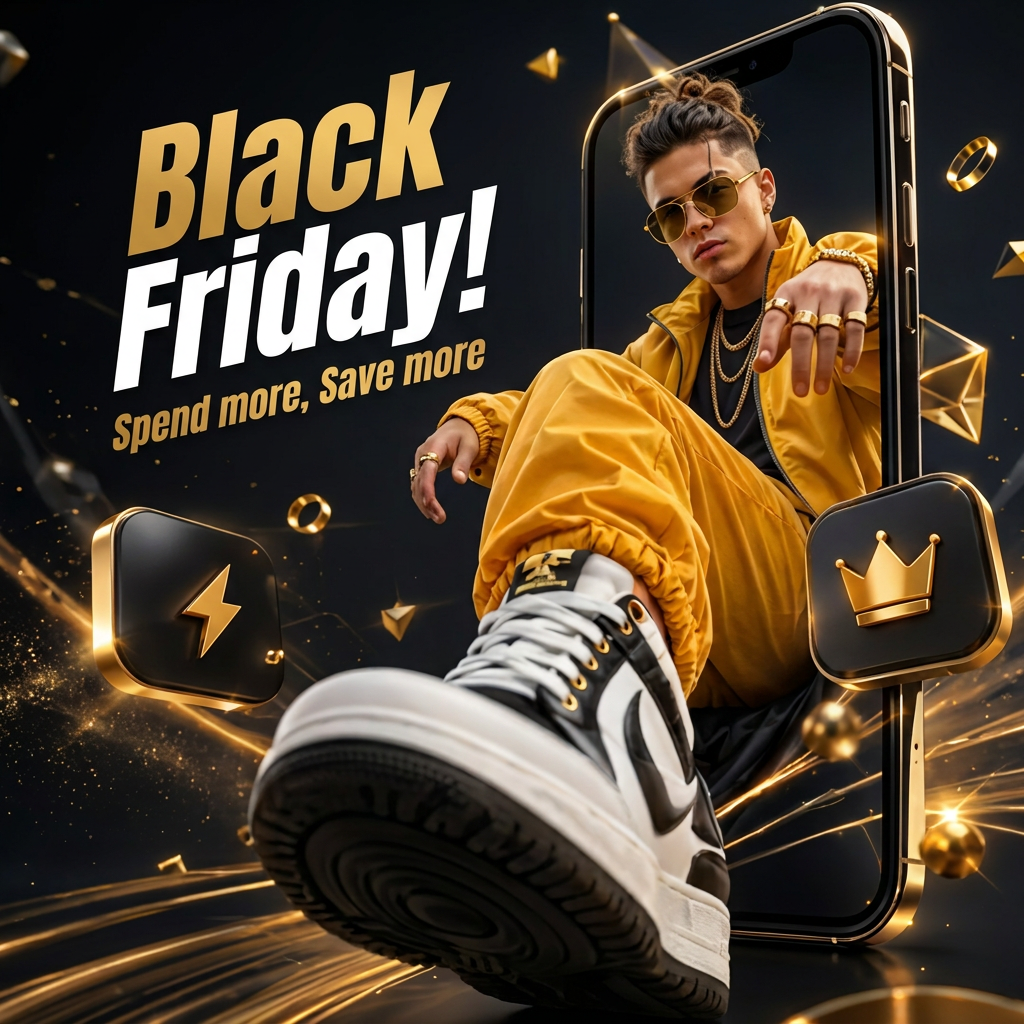
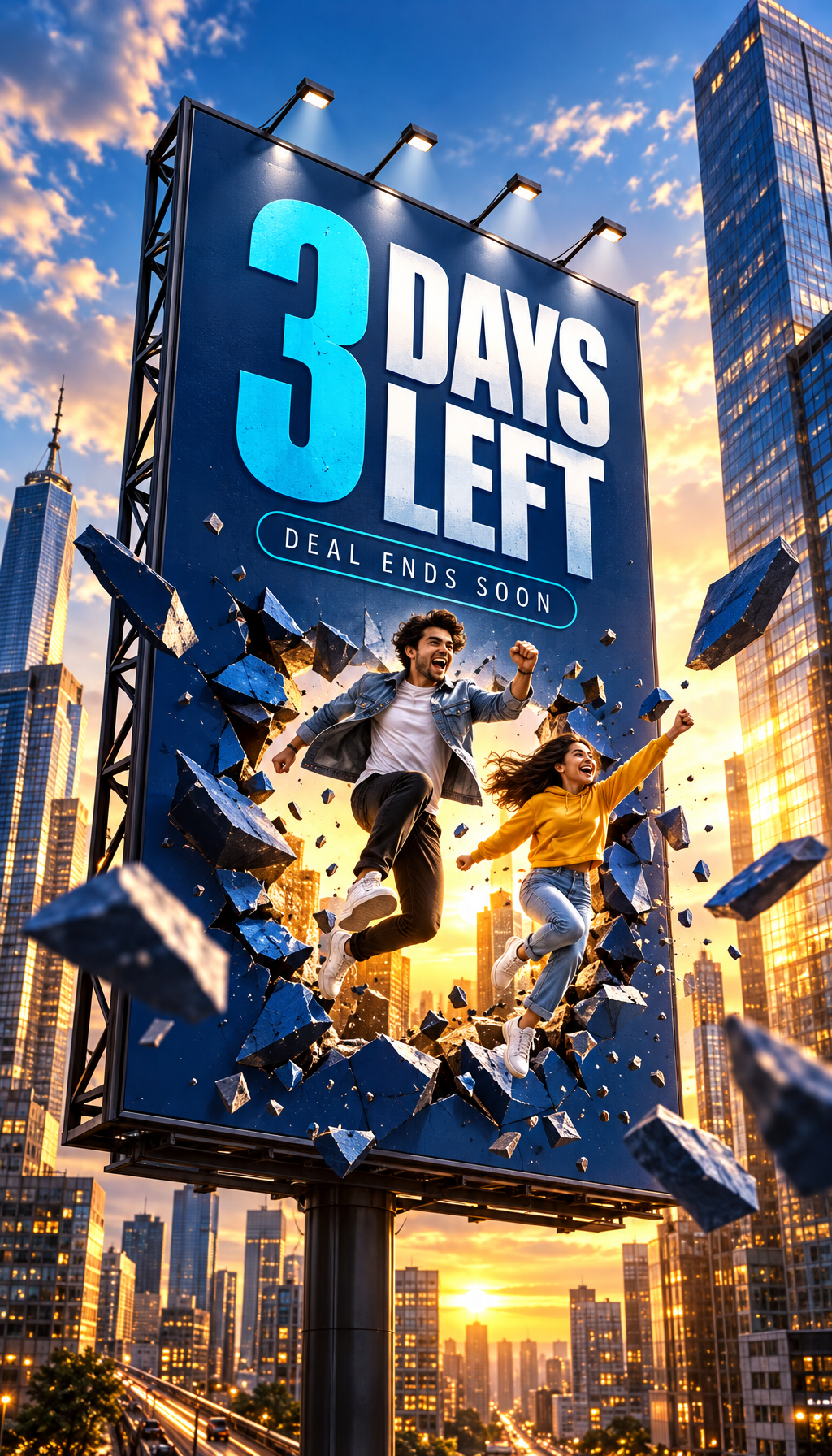

Generated in EnableArt for a demo fast food brand, with no template.
EnableArt vs Canva at a glance
| EnableArt | Canva | |
|---|---|---|
| How you start | Write a headline and offer; AI generates the design | Pick a template or start blank, then edit |
| Brand consistency | Brand guidelines, plus learning from your past designs (Training Corpus); agencies set guidelines per client brand | Brand Kit with logos, colours and fonts (Free: 1 limited kit; Pro: up to 5) |
| Check the brief before creating | AI Analysis scores the brief and flags problems | No direct equivalent we found |
| Fixing text | Edit with AI corrects words or prices in the generated banner | Edit any text directly in the editor |
| Other sizes | Generate in other dimensions: several sizes in one request, each reflowed | Magic Resize (paid plans) |
| Export formats | PNG, SVG and layered PSD | PNG, JPG, PDF, GIF, MP4, PowerPoint; no PSD |
| Posting to social | Post directly to Facebook, Instagram, LinkedIn and X | Content Planner schedules and posts to Facebook, Instagram, LinkedIn, Pinterest and more (paid plans) |
| Templates | Design style presets or your own style description; no template library | Millions of templates (1.6M+ free, 3.6M+ on Pro) |
| Other formats | Banners and social graphics | Presentations, video, docs, whiteboards, websites, print |
| Free plan | 400 free credits | Free plan; most AI tools on Pro and above |
| Paid plans | Individual $9/month (1,800 credits); Team $149/month (5 seats); Growth $449/month (20 seats, 3 brands); Enterprise $1,196/month; credit top-ups | Pro per person; Business per user; Enterprise custom |
Canva details last checked 10 November 2026. Features and prices change; check canva.com for current plans.
Where EnableArt is better
Your brand, without building templates
In Canva, keeping a brand consistent usually means setting up a Brand Kit and brand templates, then making sure everyone uses them. In EnableArt, you set your brand guidelines and upload past designs once, and every banner generated draws on the most similar ones, so new work matches what you've already published. Agencies can set guidelines for each client brand as well as their own.
From brief to banner in minutes
You don't search templates or rearrange elements. Write the headline and offer, pick the platform, and generate. That's faster when you need many campaign variations.
Catch problems before you create
AI Analysis reviews the brief before you generate and flags issues such as copy that clashes with the headline or a style that doesn't suit the size, and suggests changes.
Designer handoff in Photoshop
Export a layered PSD so a designer can refine text, images and layout in Photoshop, or an SVG. Canva doesn't offer PSD export.
One design, every size
Approve one banner, then create the story, feed, LinkedIn and web versions in a single request. Each one is reflowed for its proportions.
Where Canva is better
Be honest about this before you switch:
- Much more than banners. Presentations, video editing, documents, whiteboards, websites and print are all in Canva. EnableArt focuses on marketing banners and social graphics.
- Direct manual control. In Canva you can move any element and edit any text by hand. EnableArt is generation-first: you change results with Edit with AI or by adjusting the brief.
- Huge template library. If you like starting from a ready-made layout, Canva's millions of templates are hard to beat.
- Scheduling and collaboration. Canva's Content Planner schedules posts on a calendar, and teams can edit designs together in real time.
Who should choose which
Choose EnableArt if you:
- produce lots of social and ad banners and want them on-brand without a designer on every one
- run campaigns with many sizes and variations
- manage several client brands as an agency, each with its own guidelines
- hand designs to a designer who works in Photoshop
Stay with Canva if you:
- mostly make presentations, video, documents or print
- prefer arranging every element by hand from a template
- need real-time co-editing and a scheduling calendar in the same tool
Use both if you want EnableArt for fast on-brand banners and Canva for everything else.
Switching from Canva in 3 steps
- Export your best Canva designs as PNG or JPG: the ones that look most like your brand.
- Set your brand guidelines and upload those designs to Training Corpus in EnableArt, so generation learns your style.
- Generate your next banner from a headline and offer, resize it for every channel, and post it or export a PSD.
FAQ
Is EnableArt a good Canva alternative?
For on-brand marketing banners, yes. EnableArt generates banners from a short brief and learns your brand from past designs, so you don't start from a template. For presentations, video, documents or print, Canva is the better fit.
Is EnableArt free like Canva?
You can start free. New accounts get 400 credits, enough for up to 25 banners with the Economy model at current default prices. Paid plans start at $9/month for 1,800 credits. Canva also has a free plan, with its AI tools mainly on paid plans.
Does EnableArt have templates like Canva?
EnableArt doesn't use a template library. You pick a design style preset or describe a style, and the AI generates a new design for your headline and offer, drawing on your brand's past designs.
Can I bring my Canva designs into EnableArt?
Yes, as brand references. Download your best Canva designs as PNG or JPG and upload them to Training Corpus. EnableArt then uses them to match your look when it generates new banners.
Can Canva export a layered PSD file?
No. Canva downloads include formats such as PNG, JPG, PDF, GIF, MP4 and PowerPoint, but not Photoshop PSD. EnableArt can export a generated banner as a layered PSD.
Can I use EnableArt and Canva together?
Yes. You can use EnableArt for fast, on-brand social and ad banners and keep Canva for presentations, video and print.
Guides
Sources
Try the brand-first way to make banners
Upload a few past designs, write your offer, and see an on-brand banner in minutes. Free to start with 400 credits.